Generate Unique AI Video Overlays In Seconds
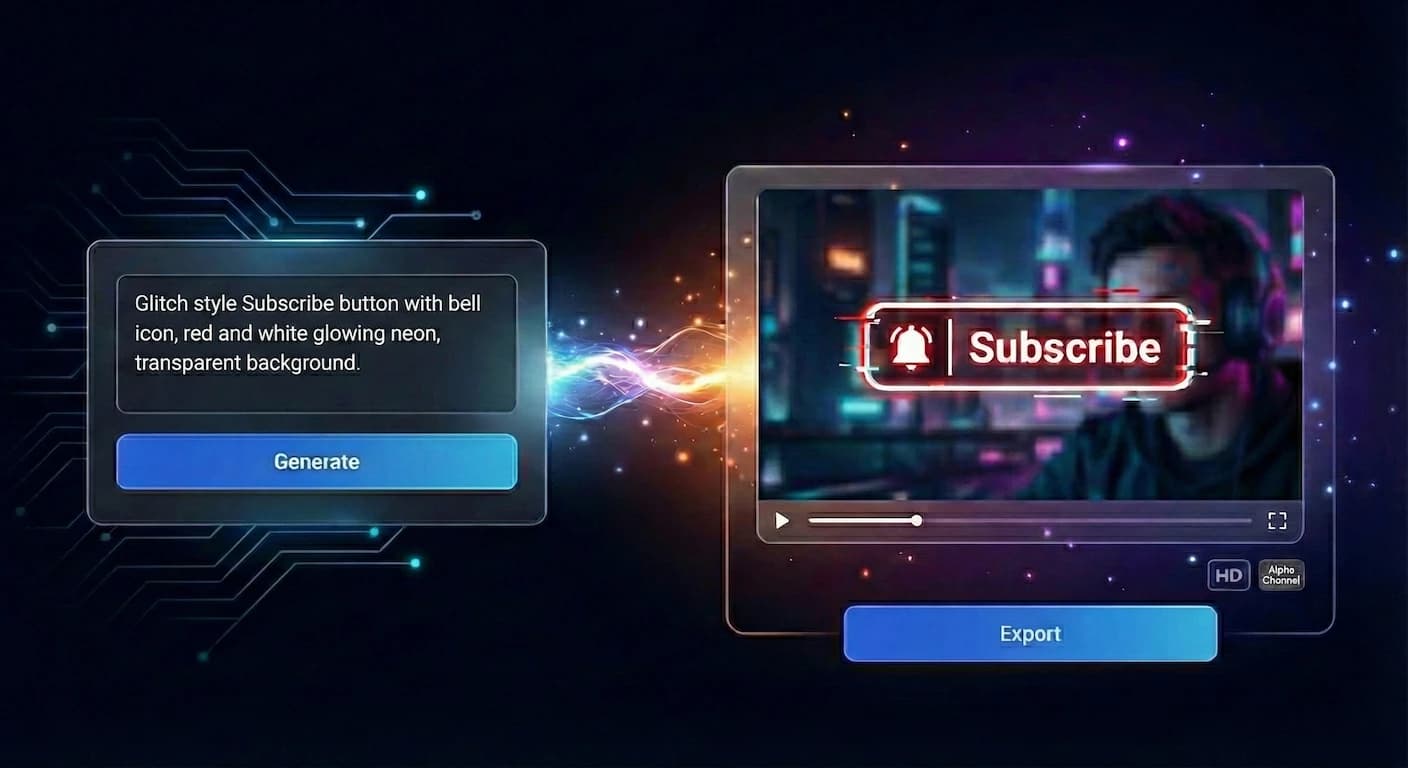
Simply describe what you need and get a professional overlay. Ready to drag and drop into your timeline.


About Videohead
Professional Overlays, No Design Skills Required
Videohead is an AI video overlay generator for creators and editors. Describe lower thirds, subscribe CTAs, badges, or kinetic text and export WebM or MOV with a true alpha channel—no green screen keying. Drop files into Adobe Premiere Pro, DaVinci Resolve, CapCut, OBS Studio, or Final Cut Pro, and keep every overlay on brand with reusable kits.
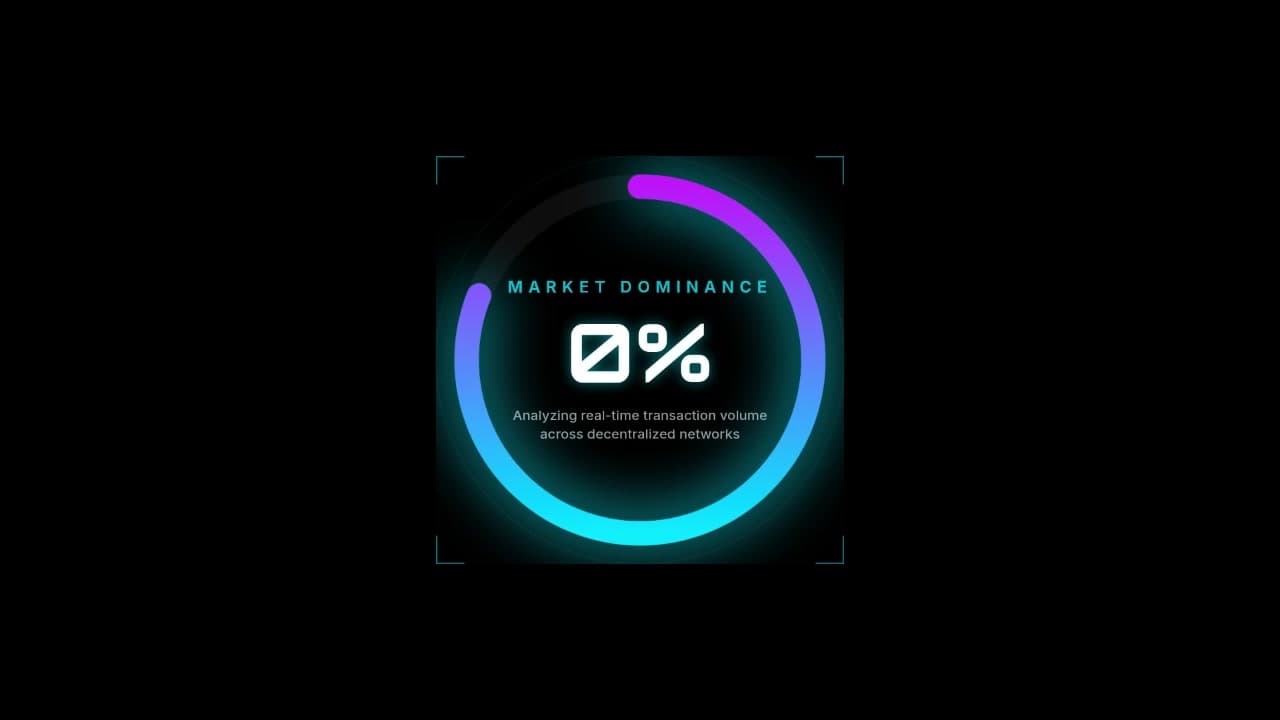
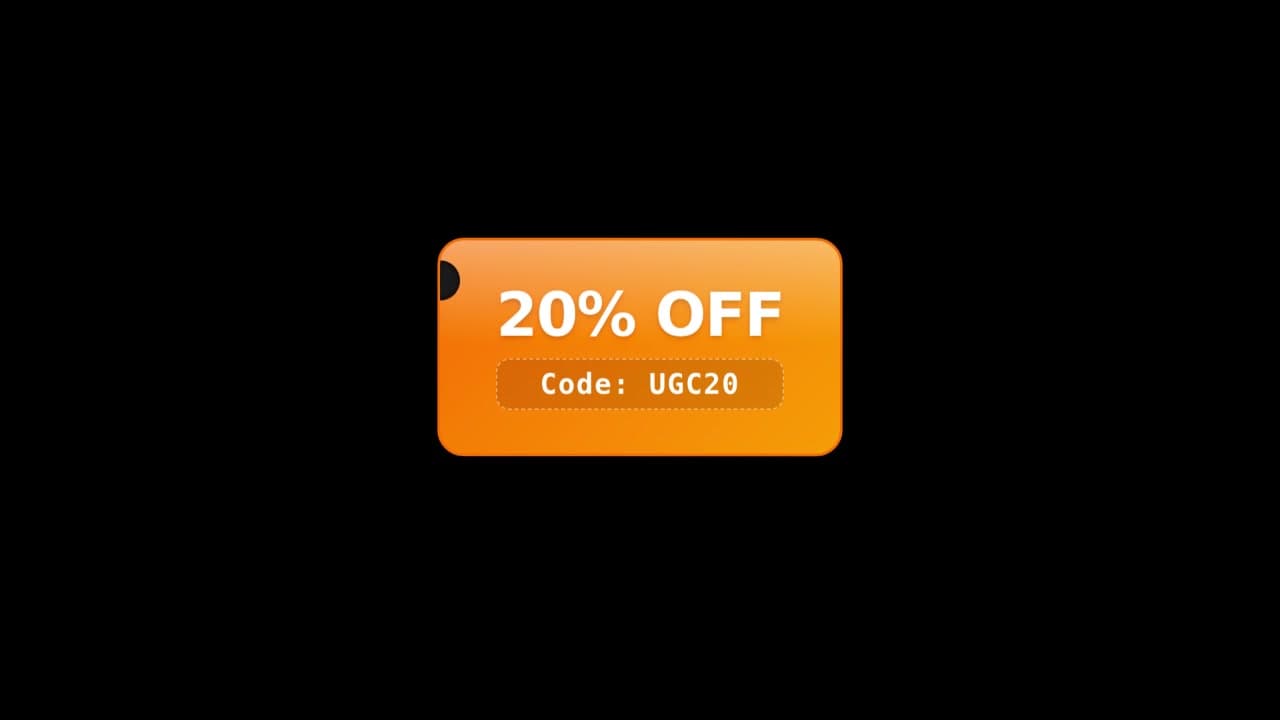
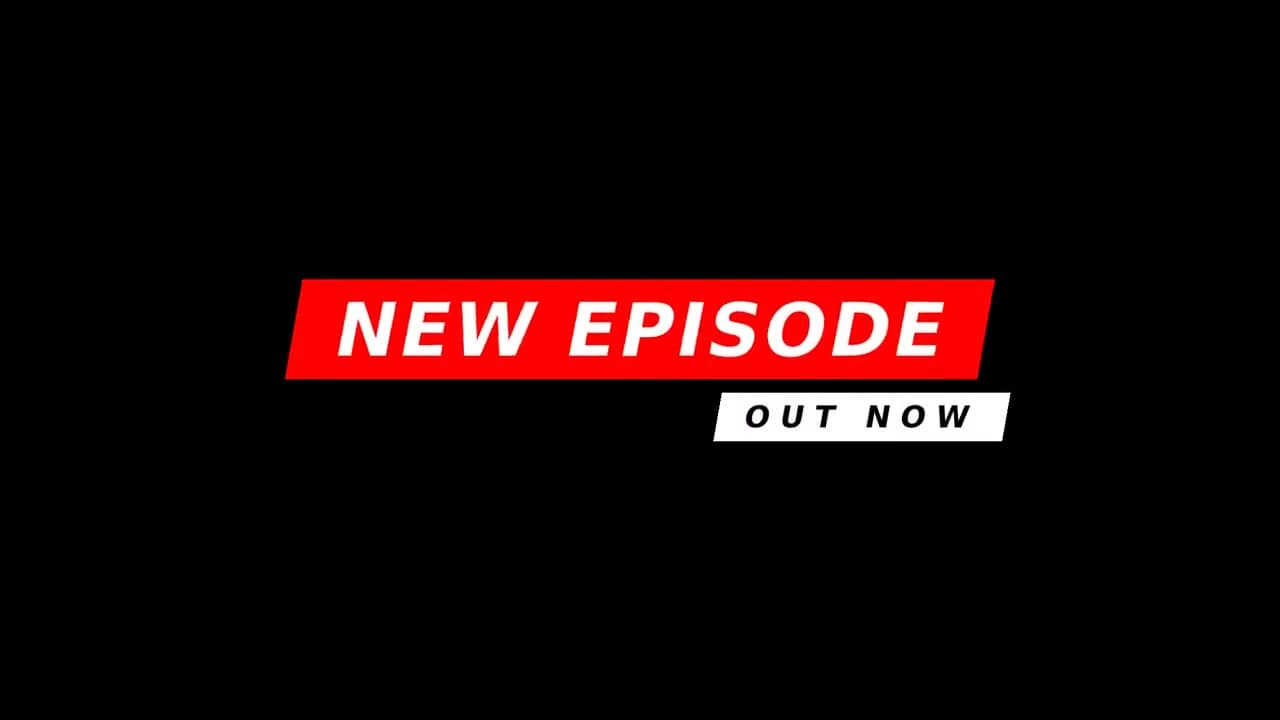
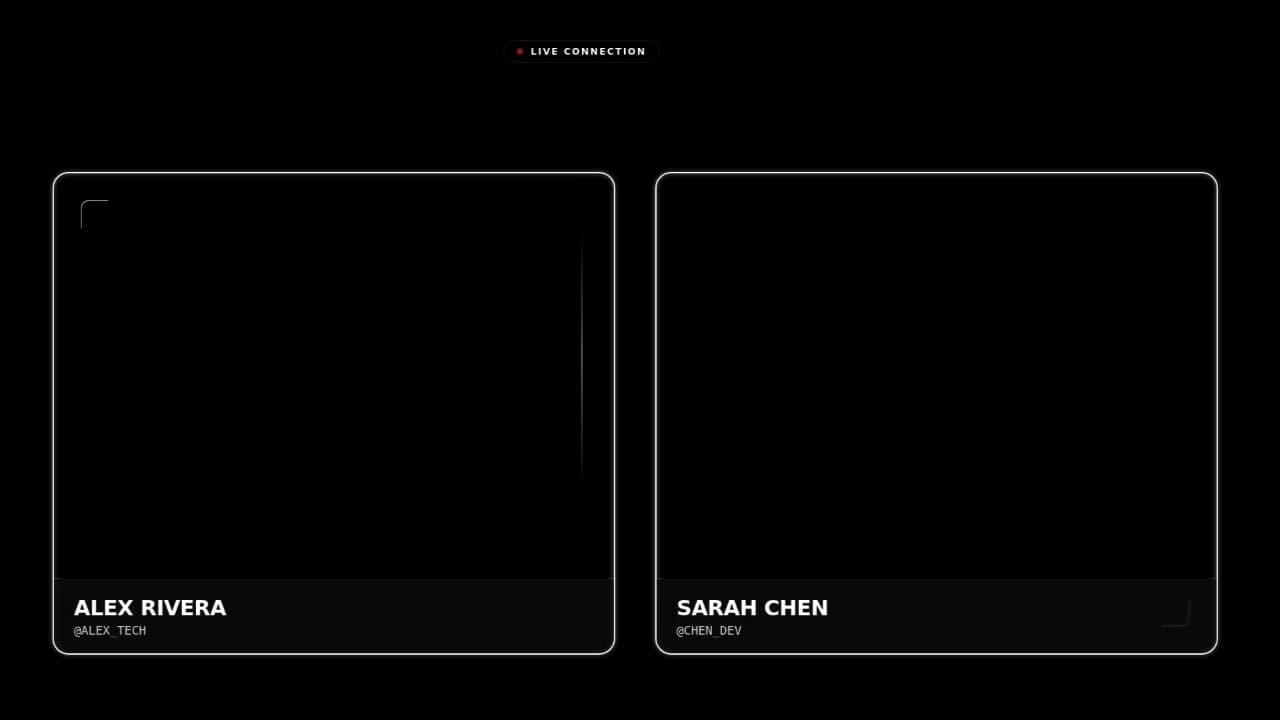
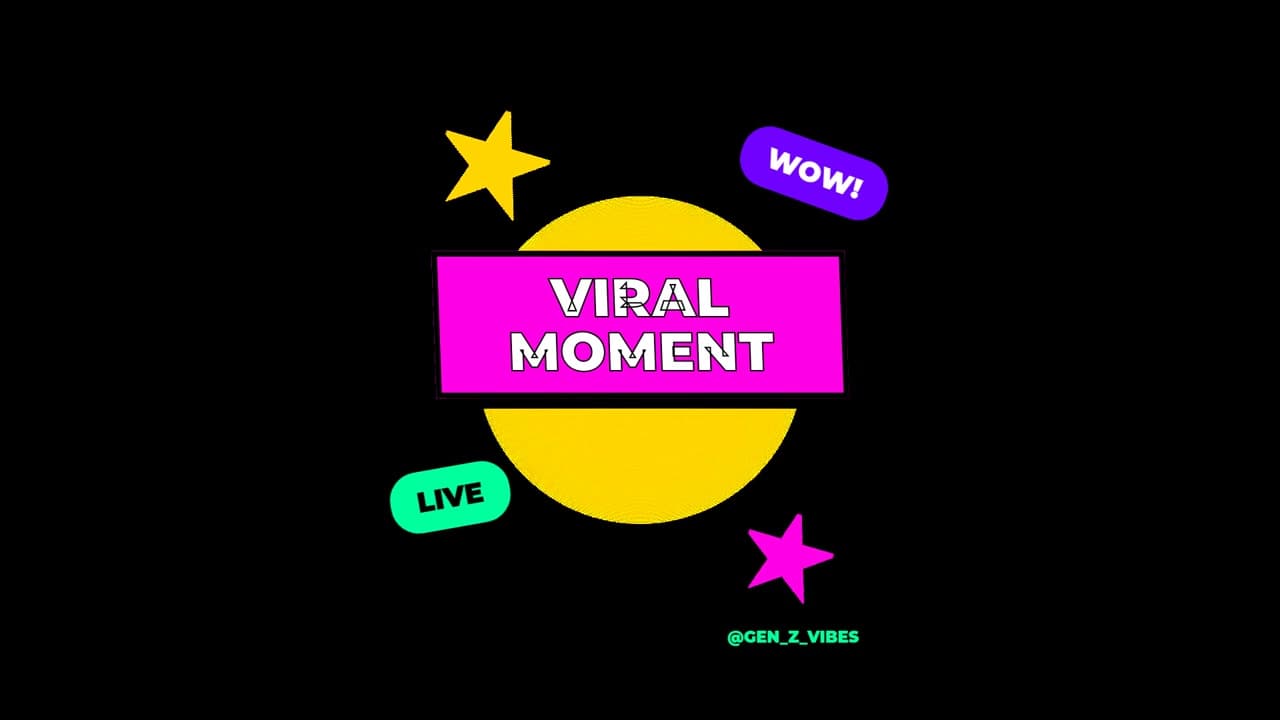
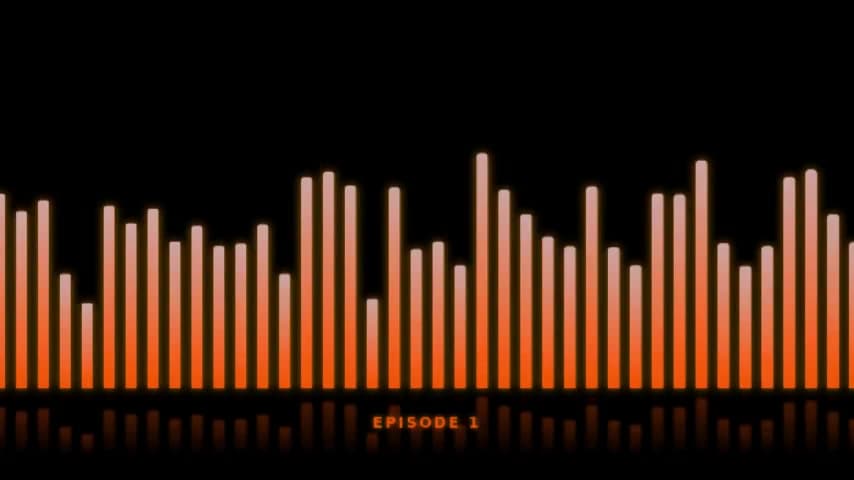
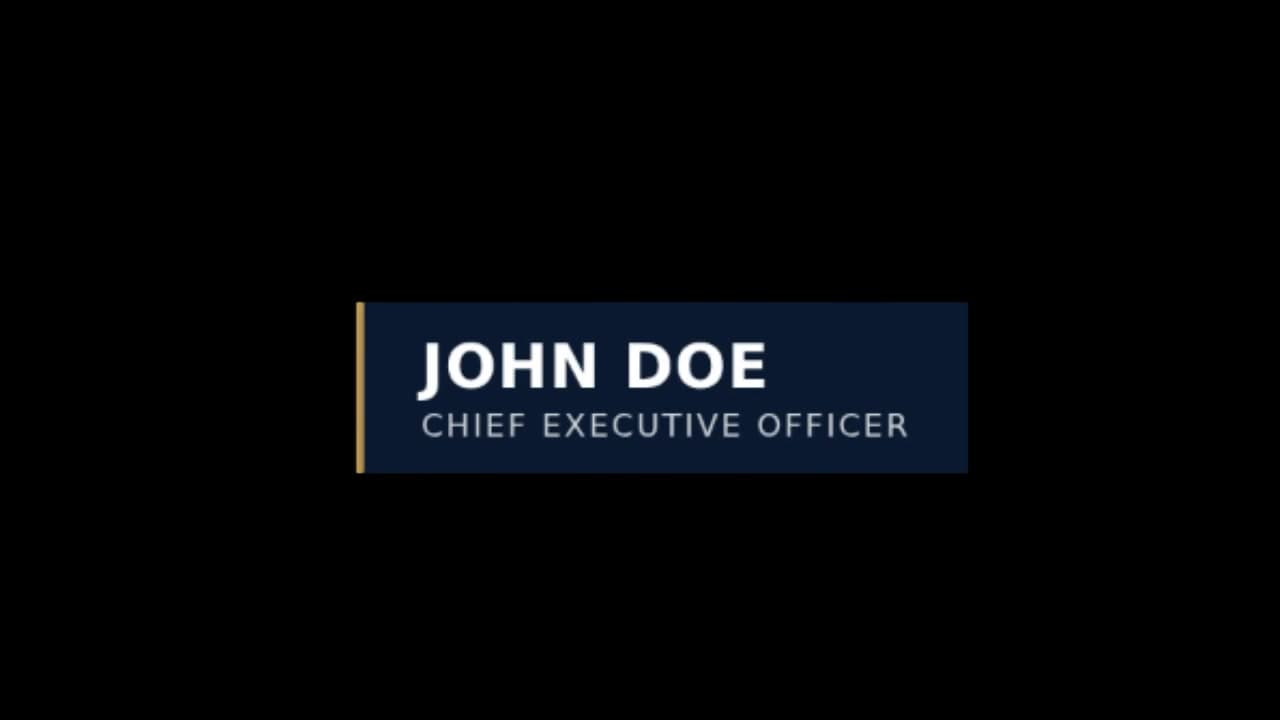
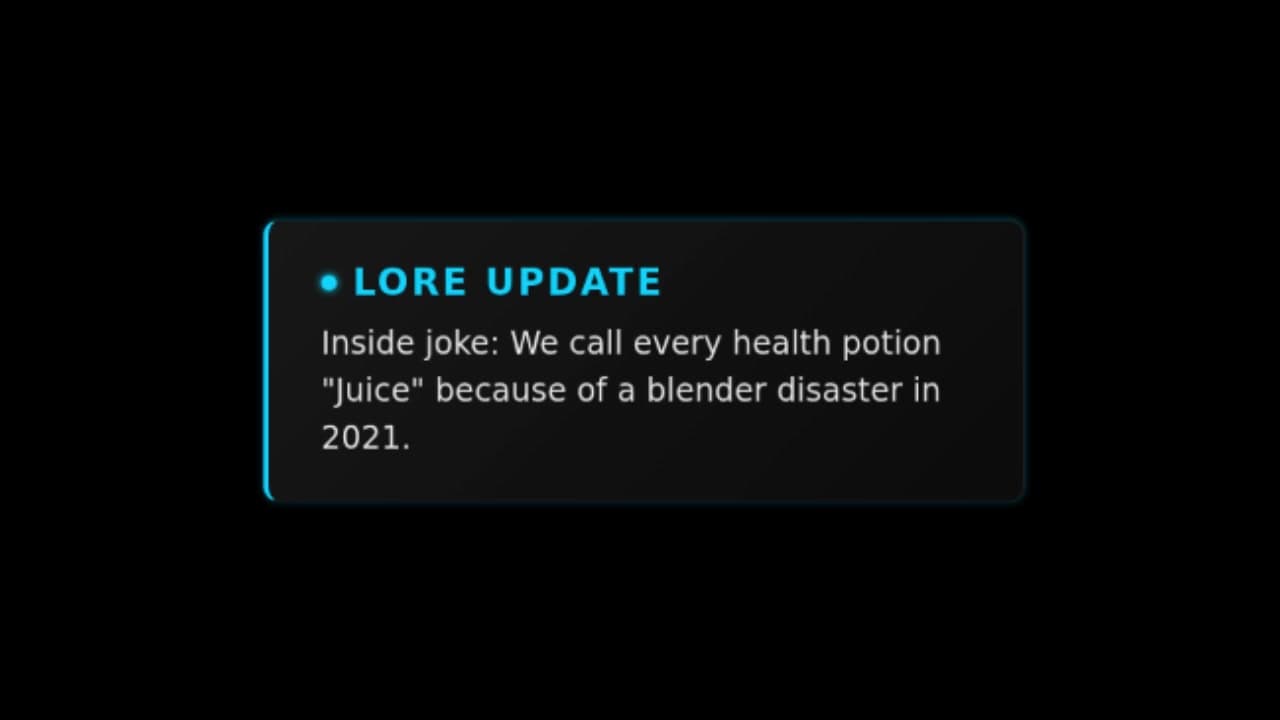
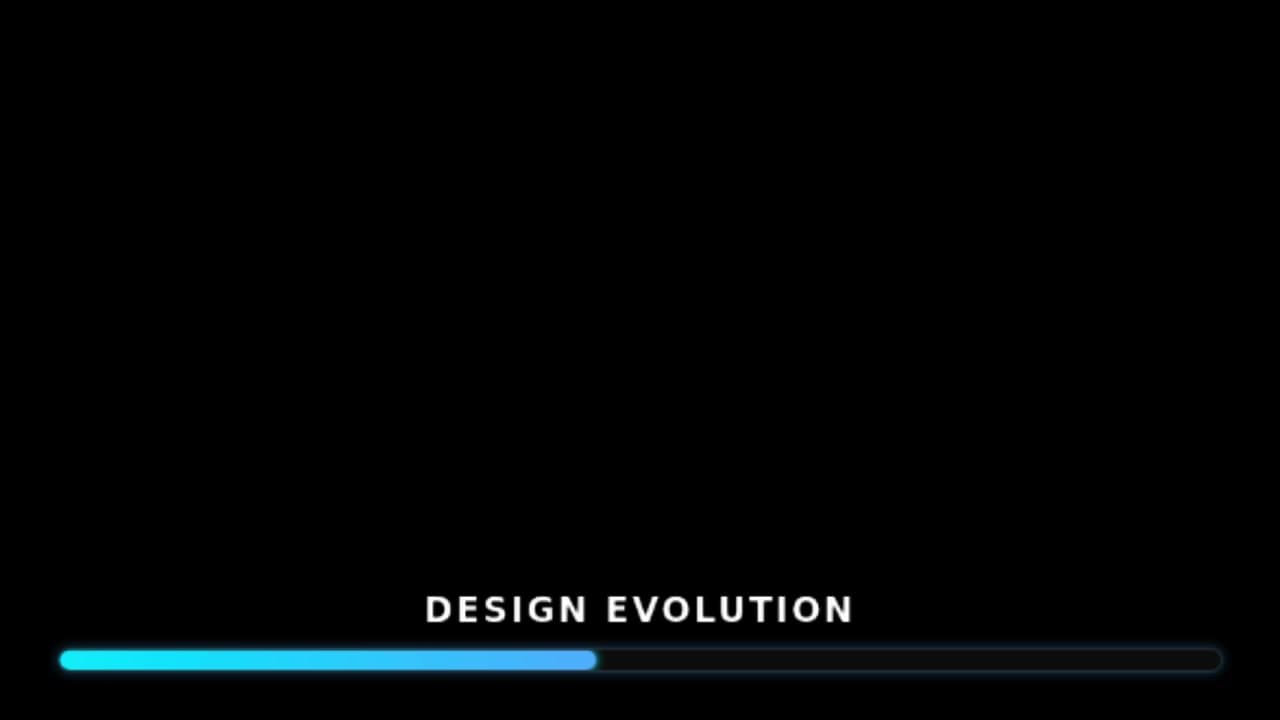
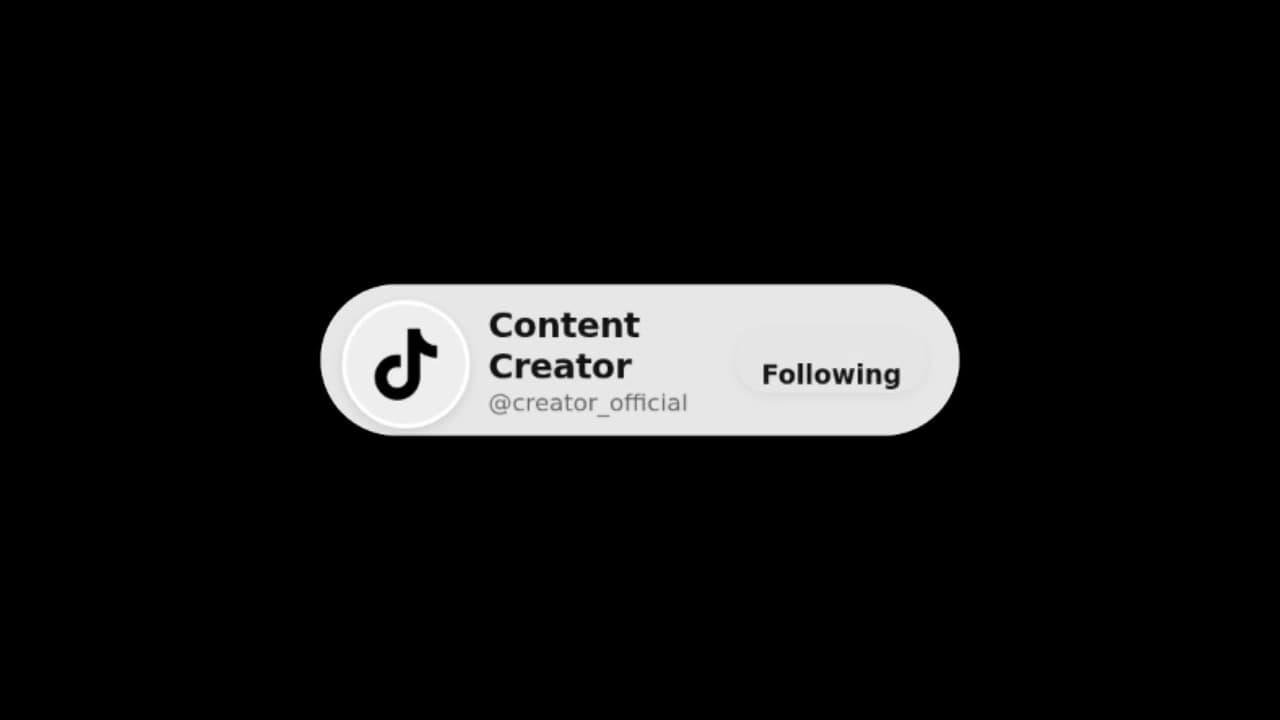
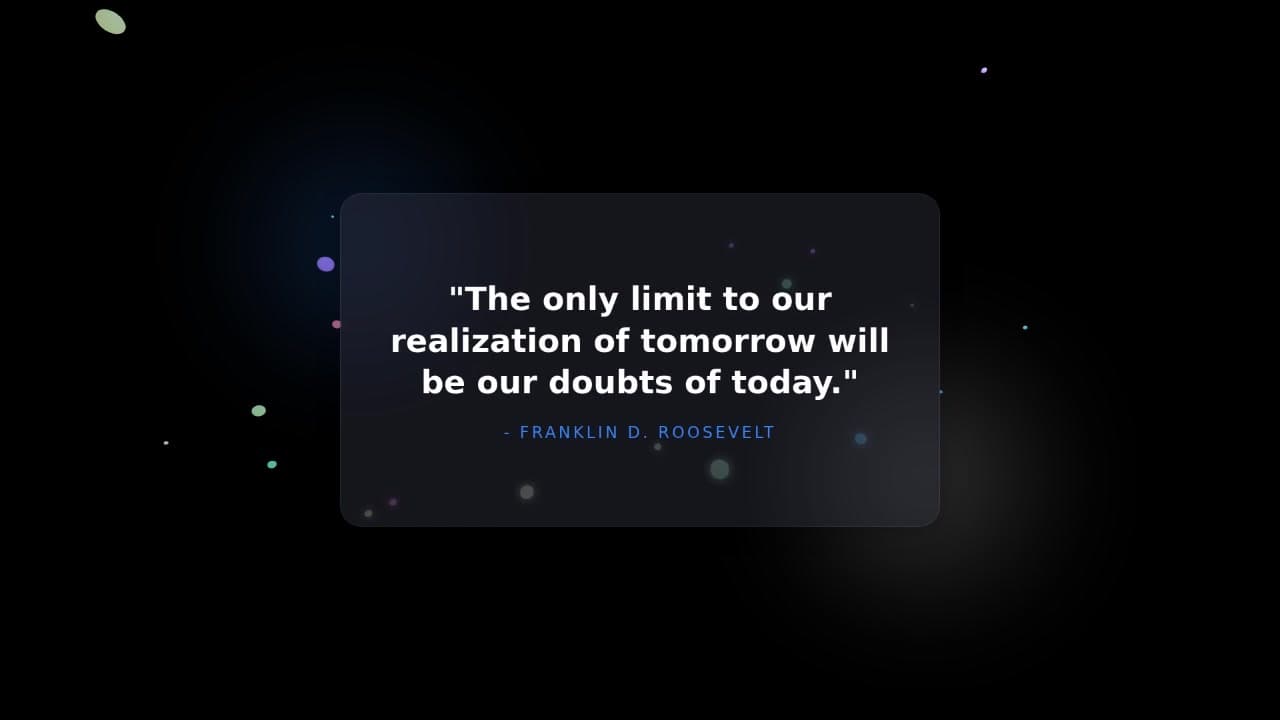
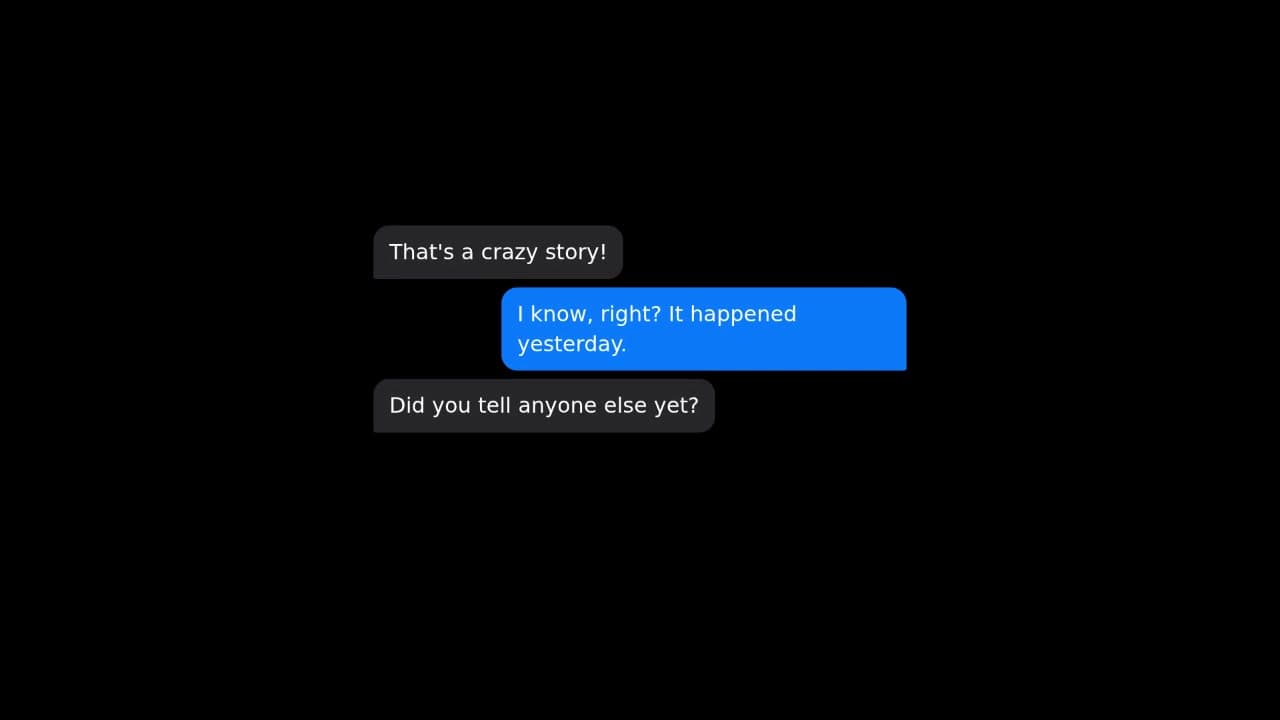
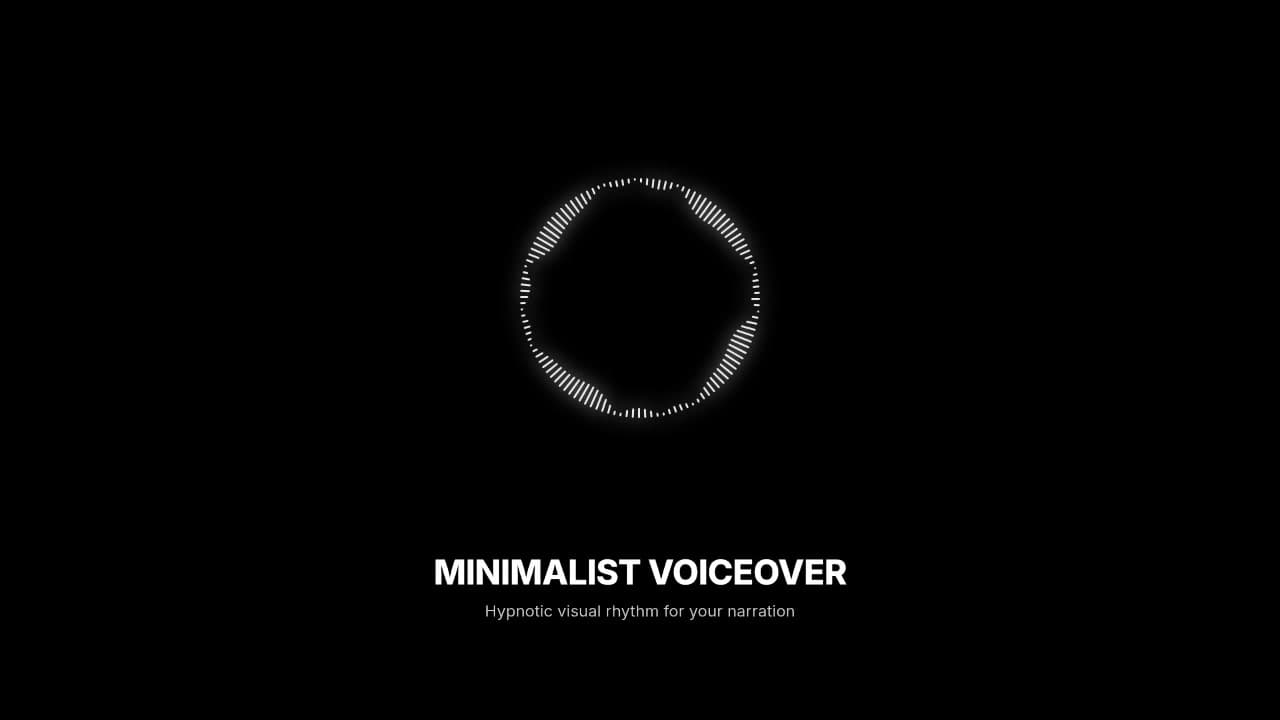
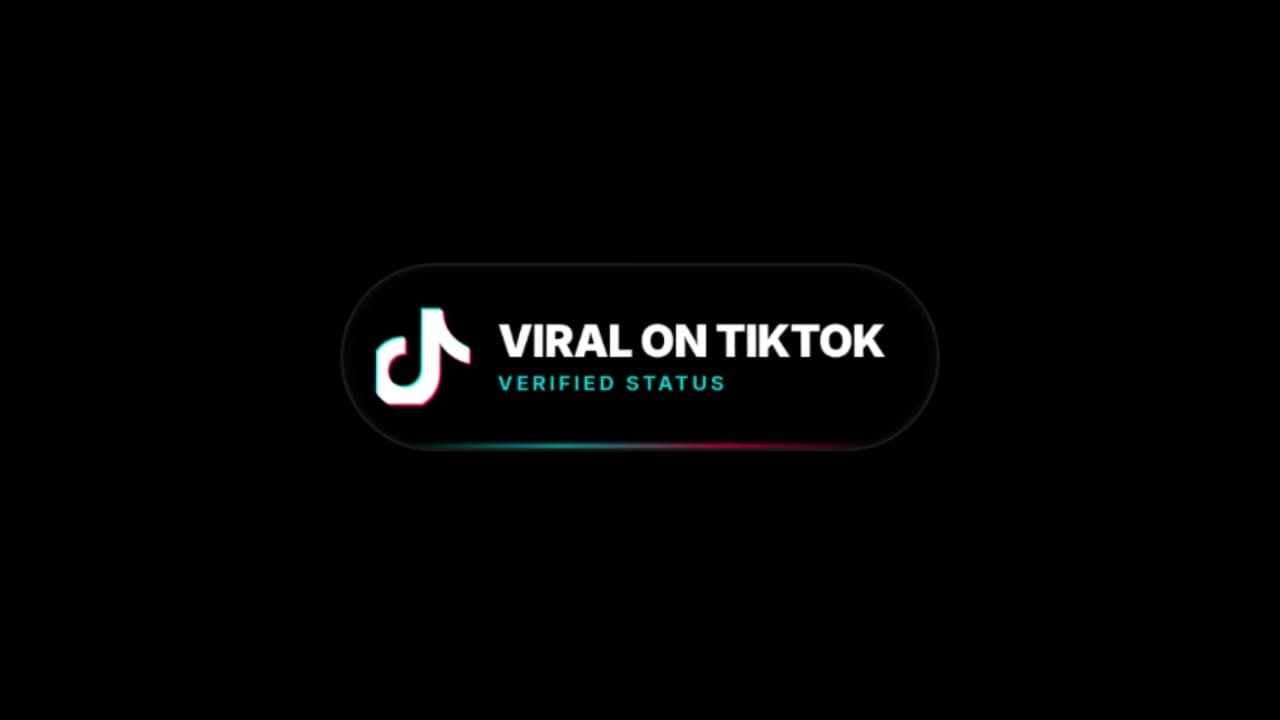
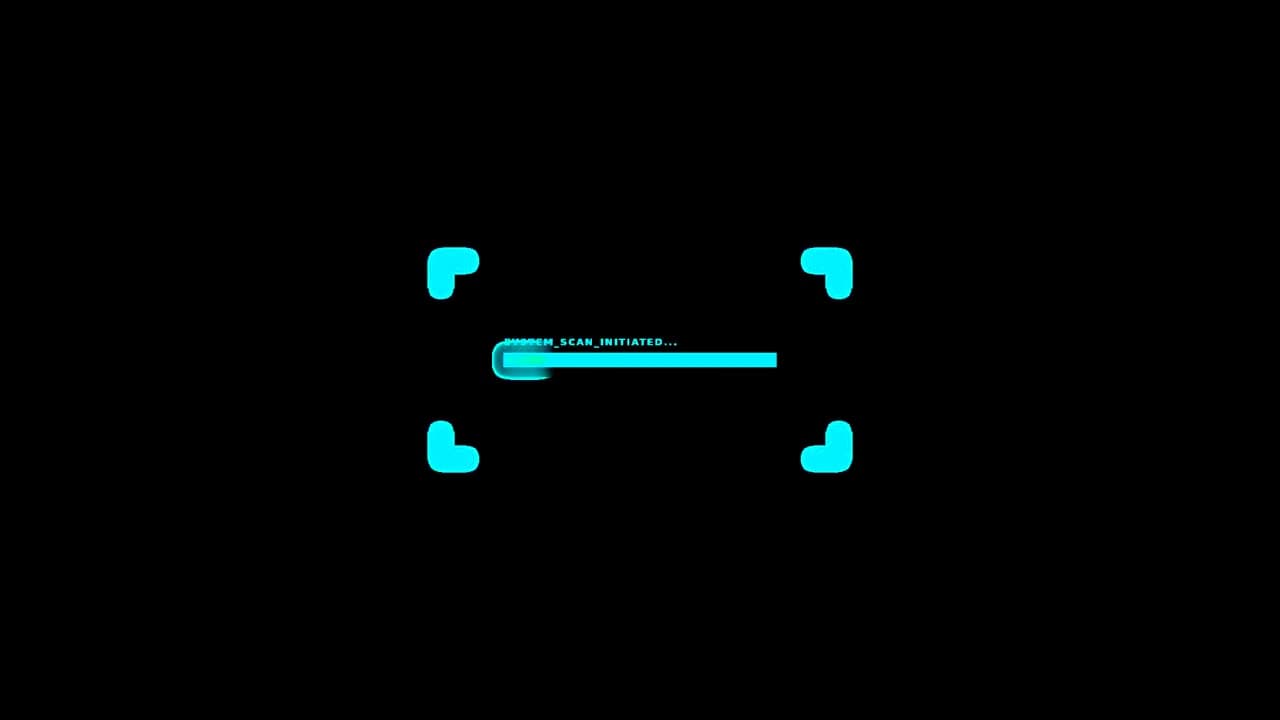
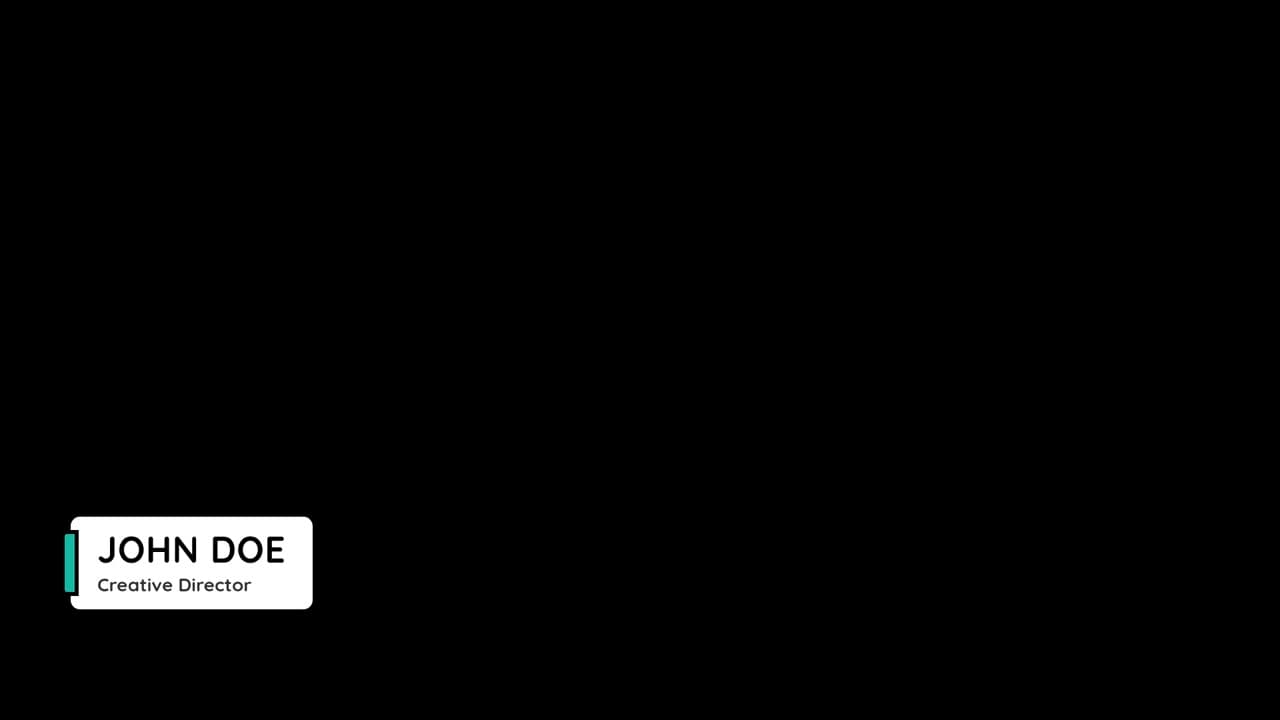
Generated Overlays Examples
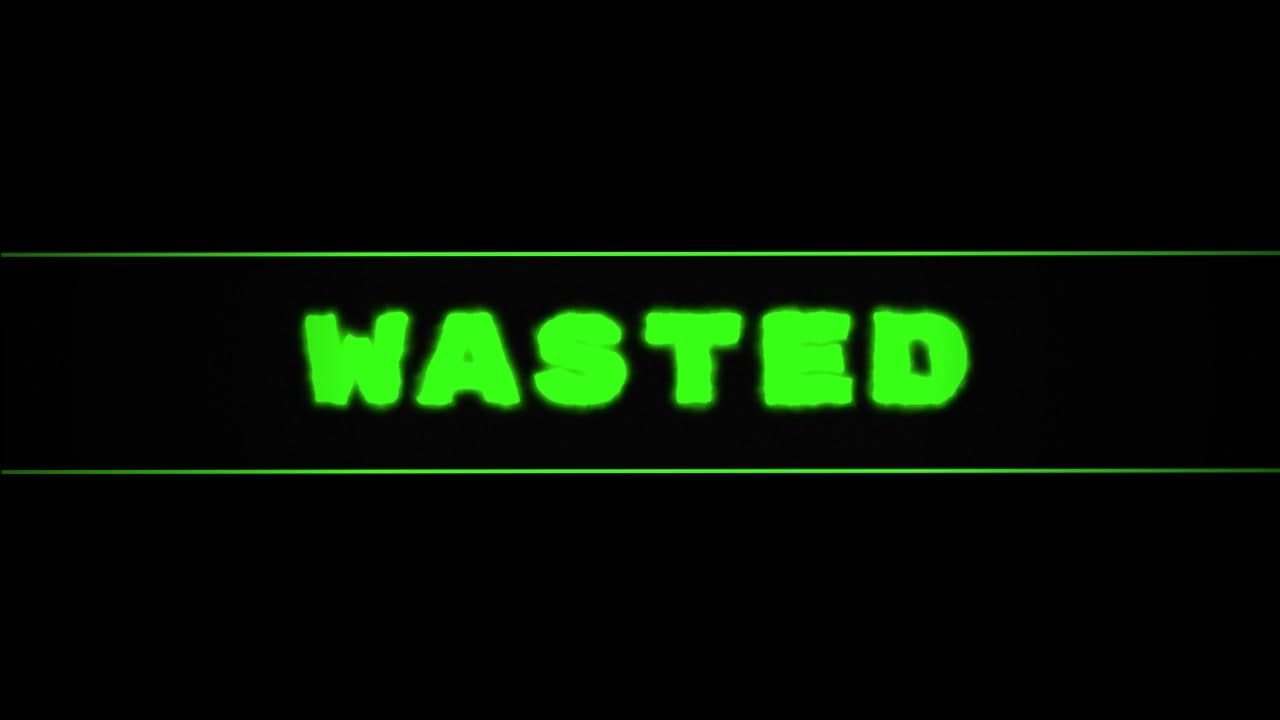
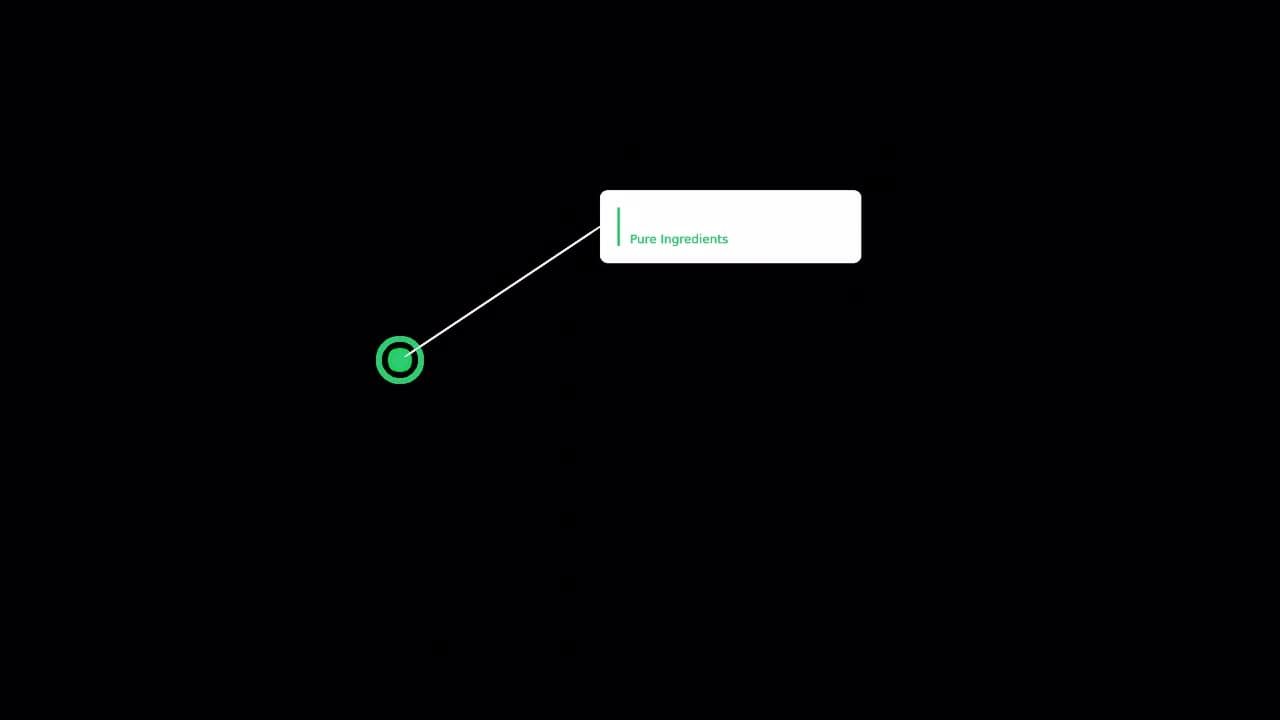
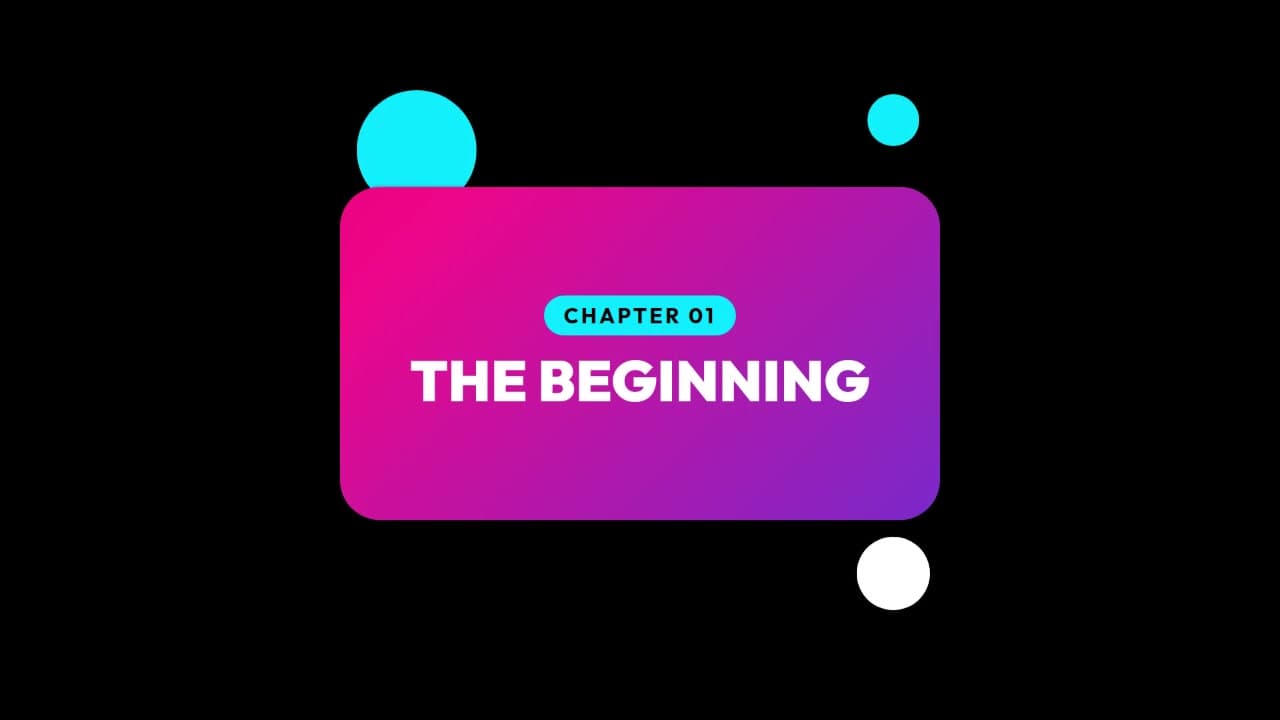
High-Quality Video Overlays







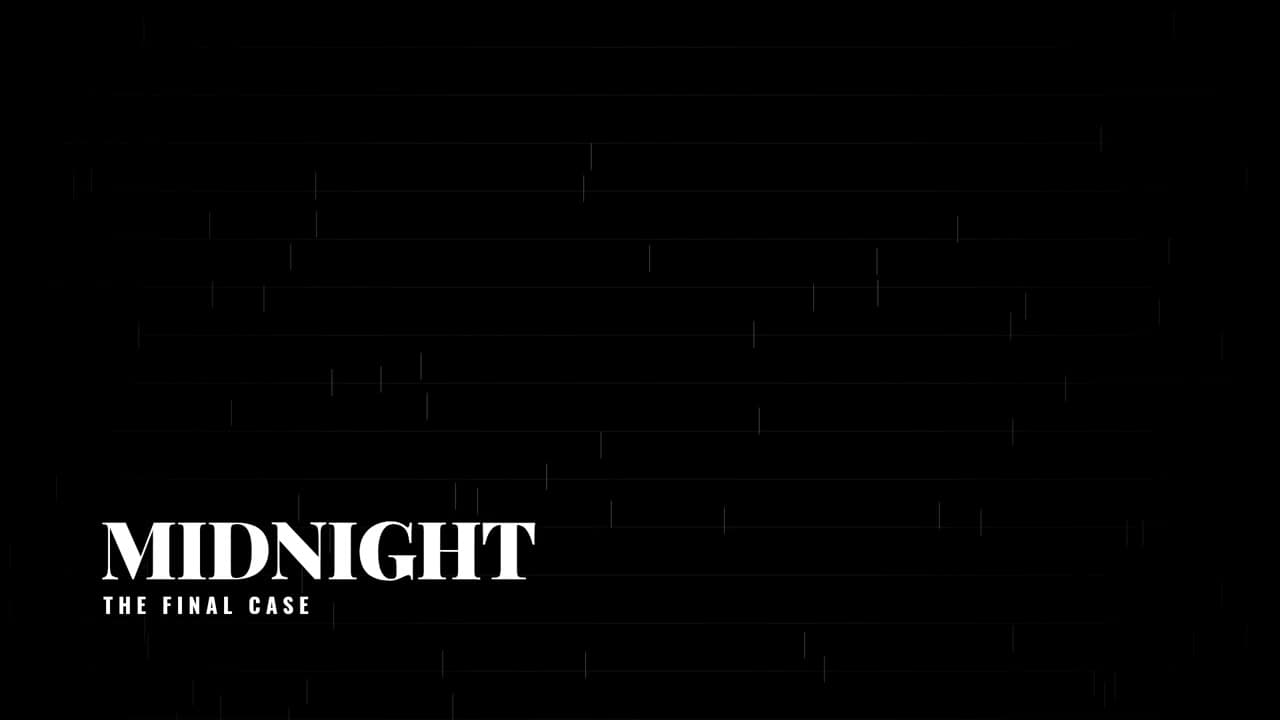
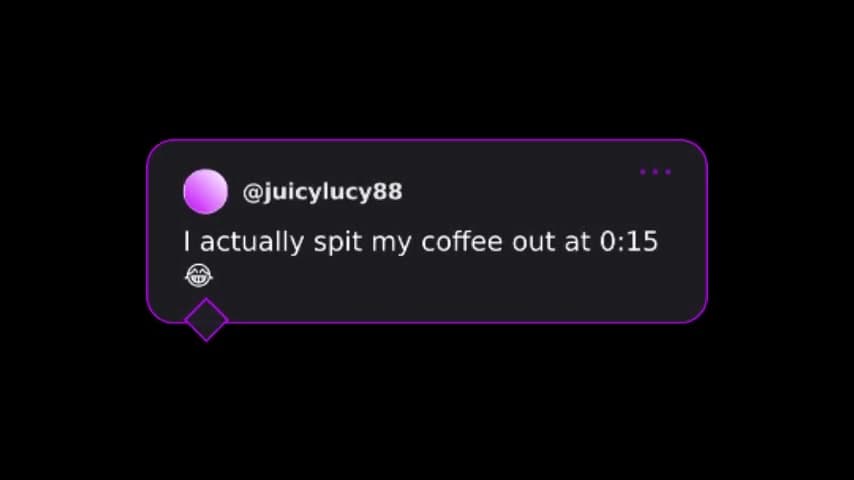
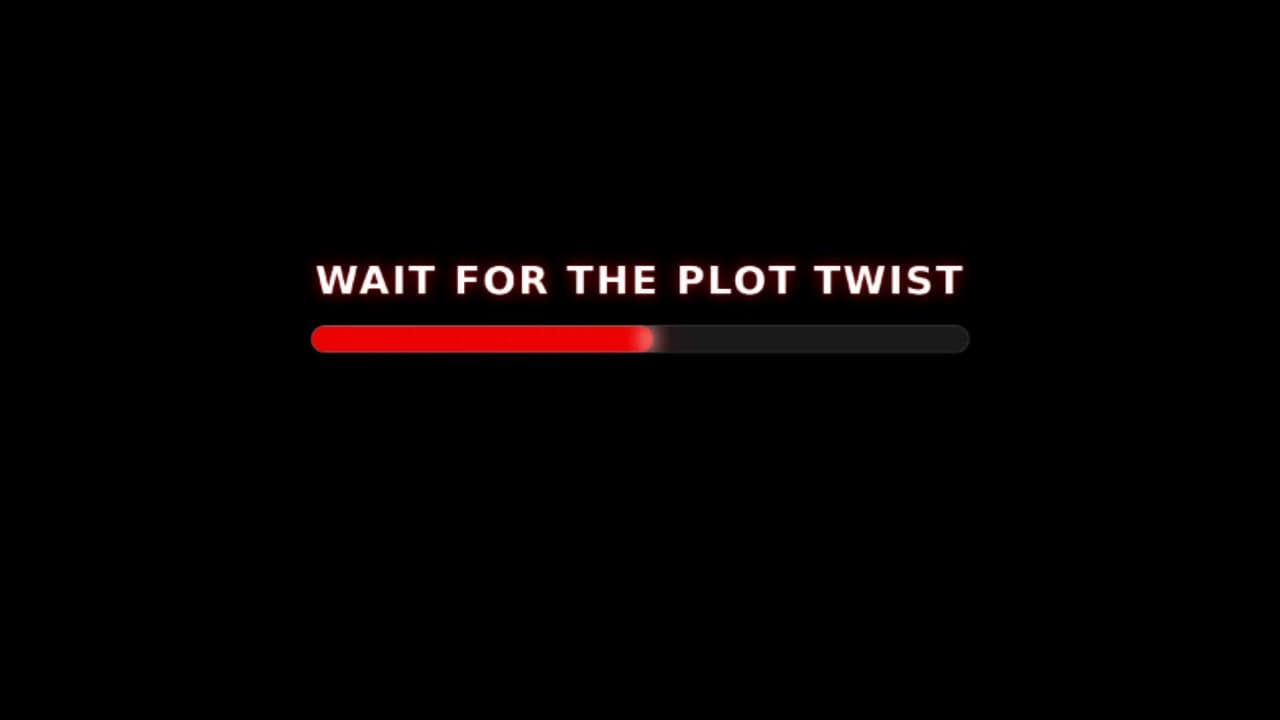

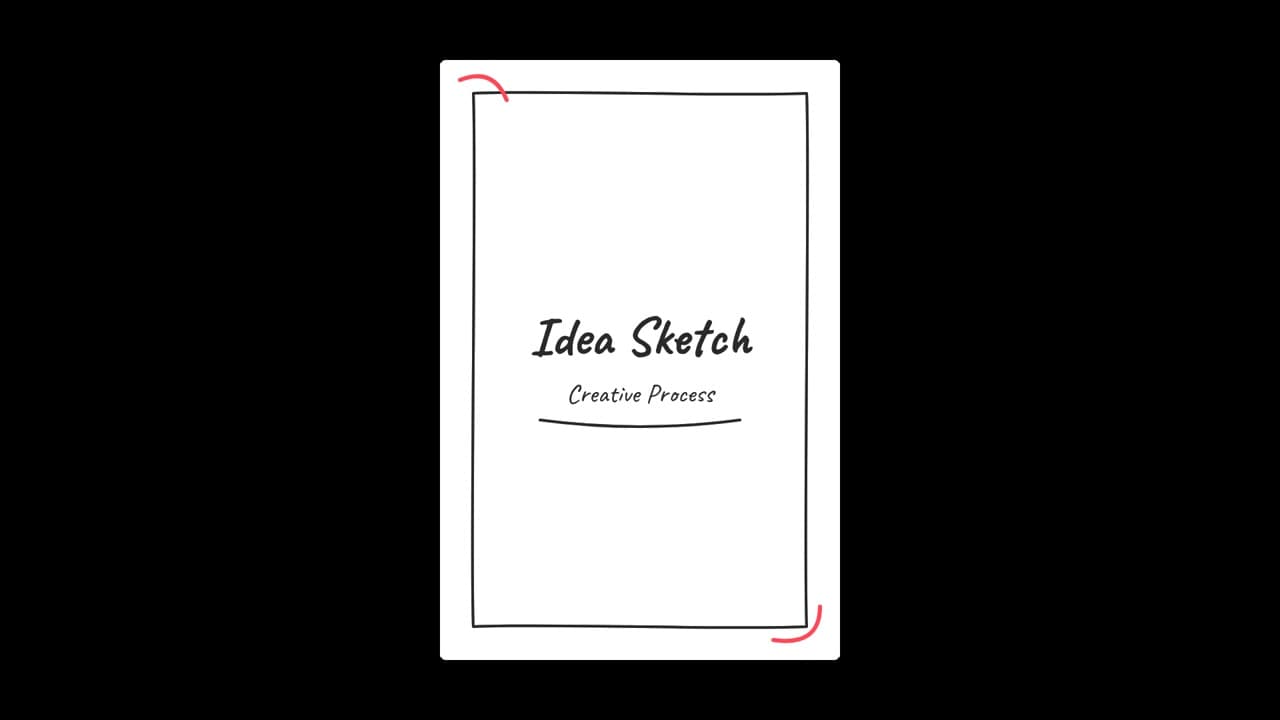




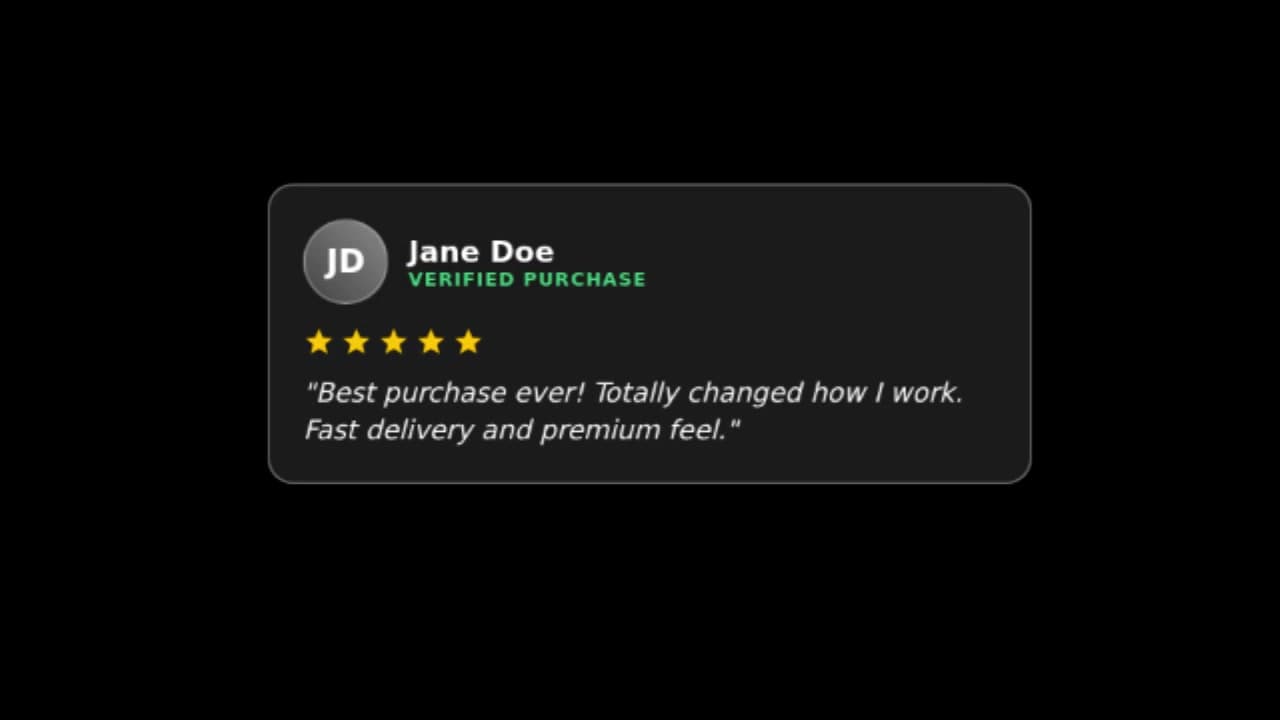
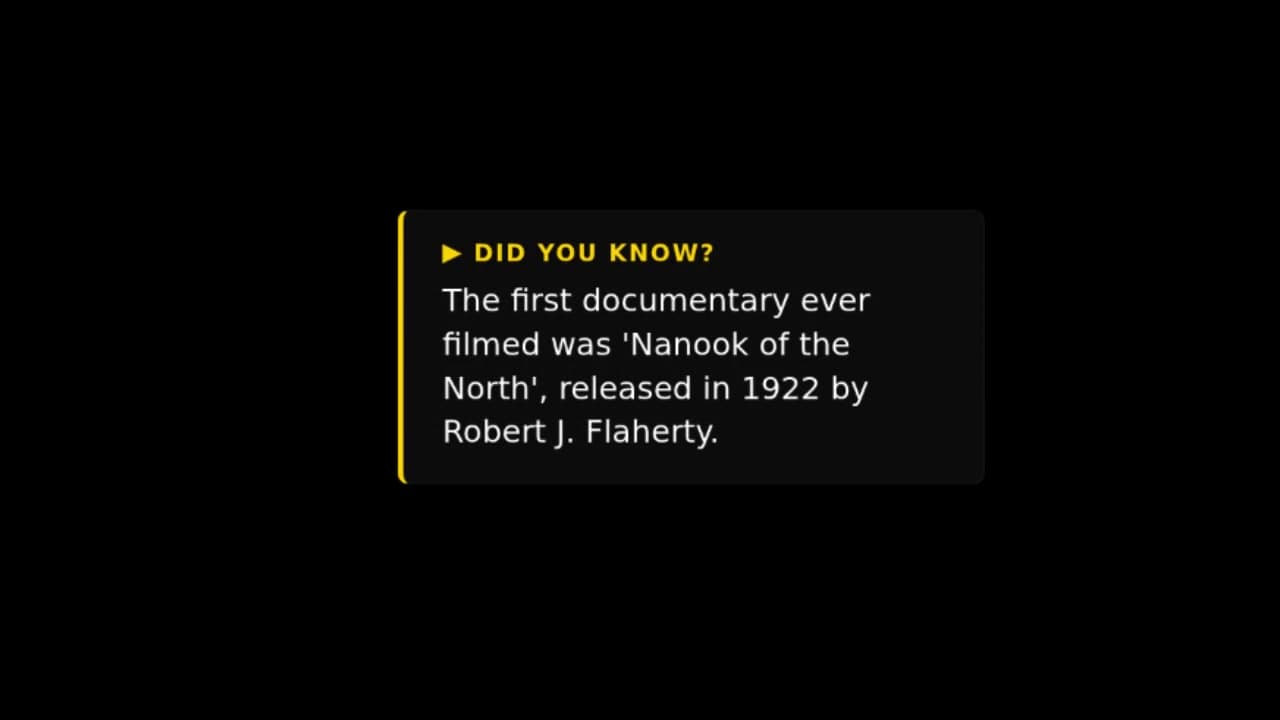
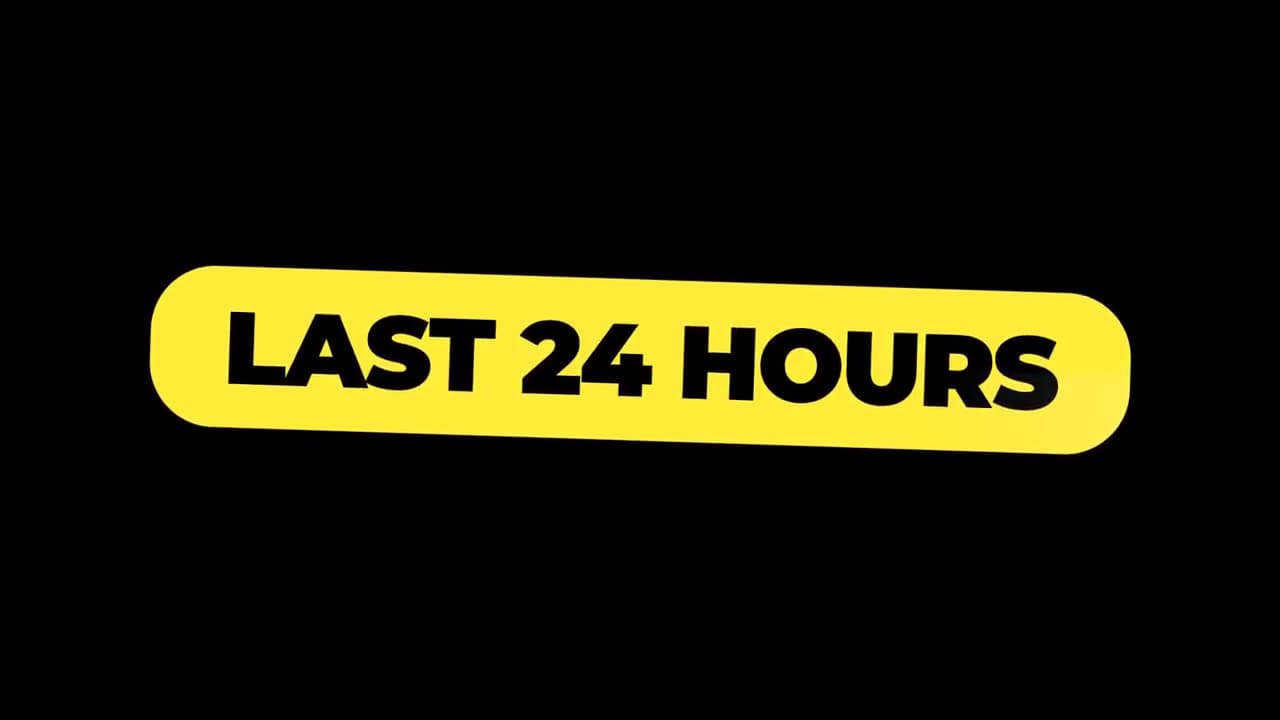
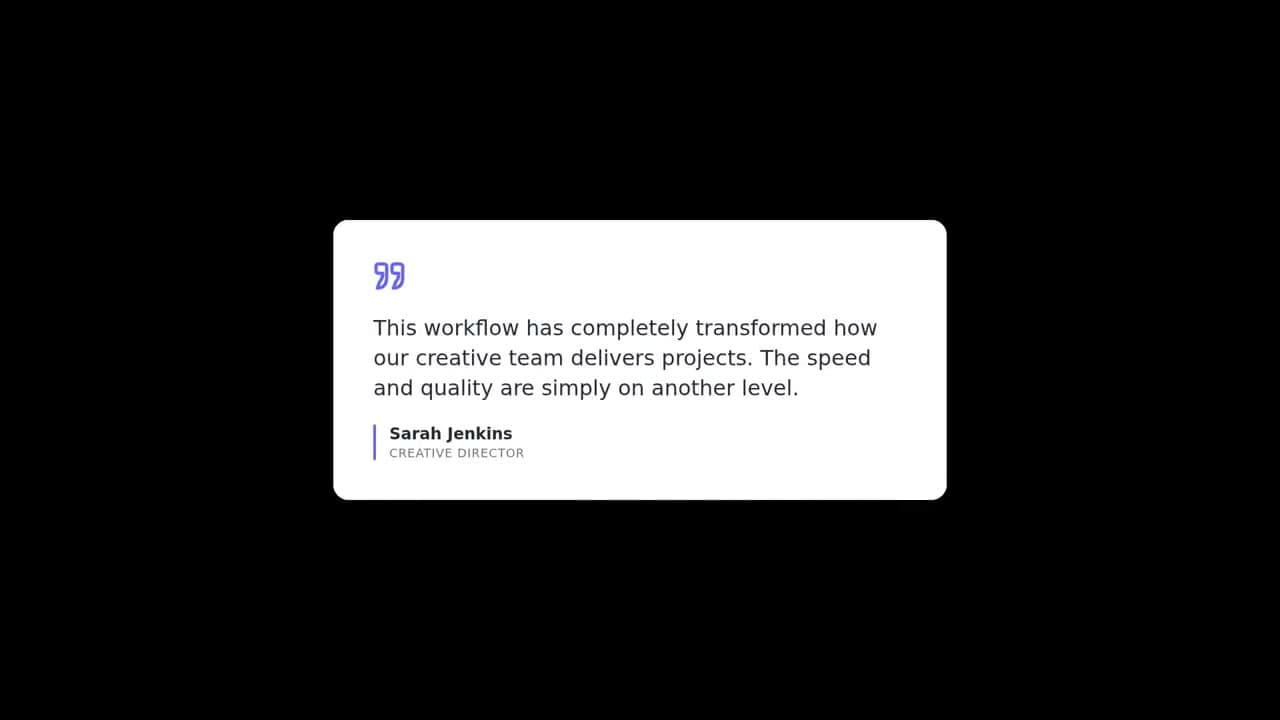

Starter Kits
Start with a Complete Overlay Set
Ready-made overlay packs for YouTube, shorts, podcasts, courses, ecommerce, and more. Preview every overlay, then remix the full kit into your workspace.
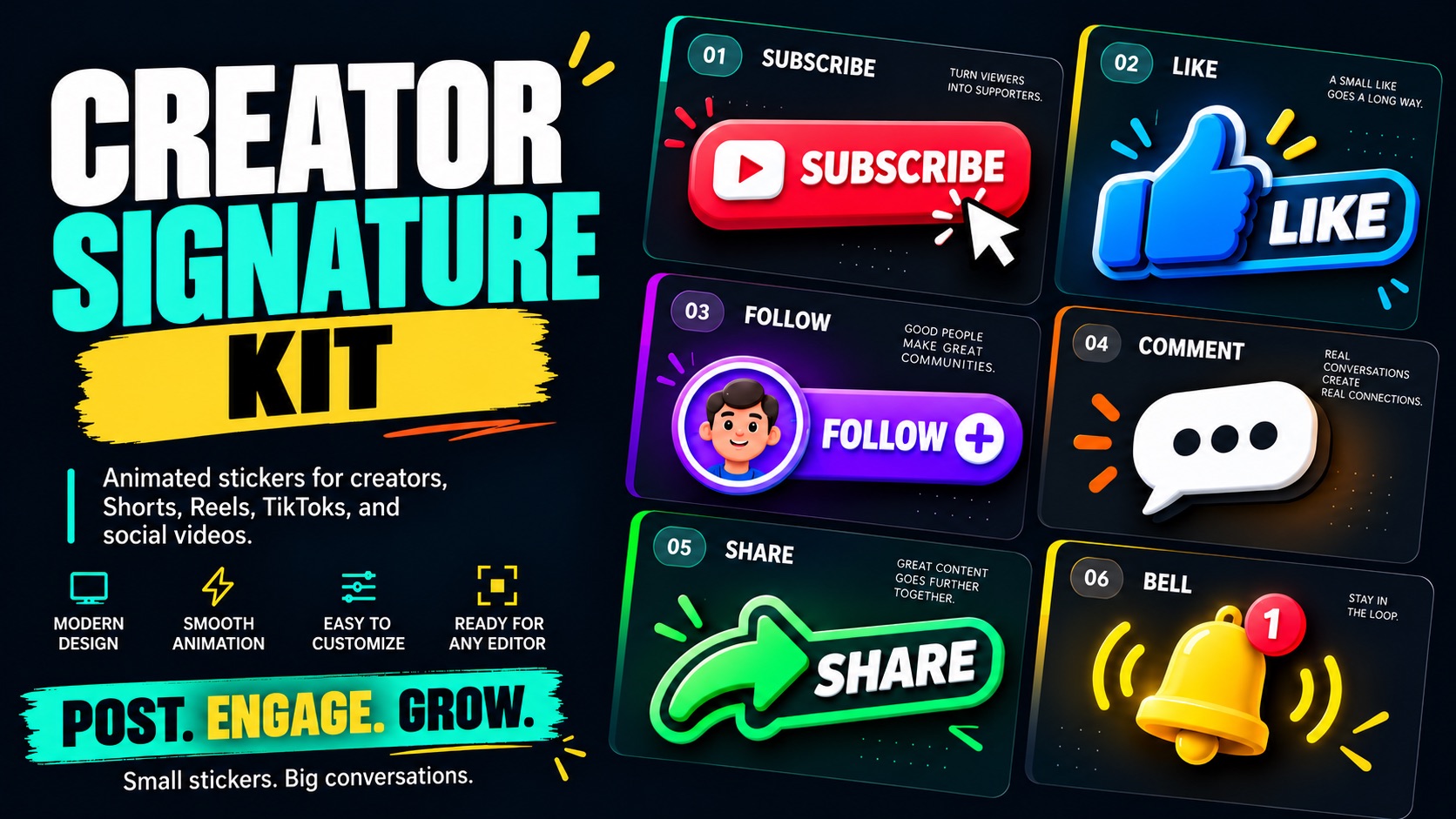
Creator Signature Kit
A vibrant collection of overlays designed to bring personality, energy, and engagement to your videos.
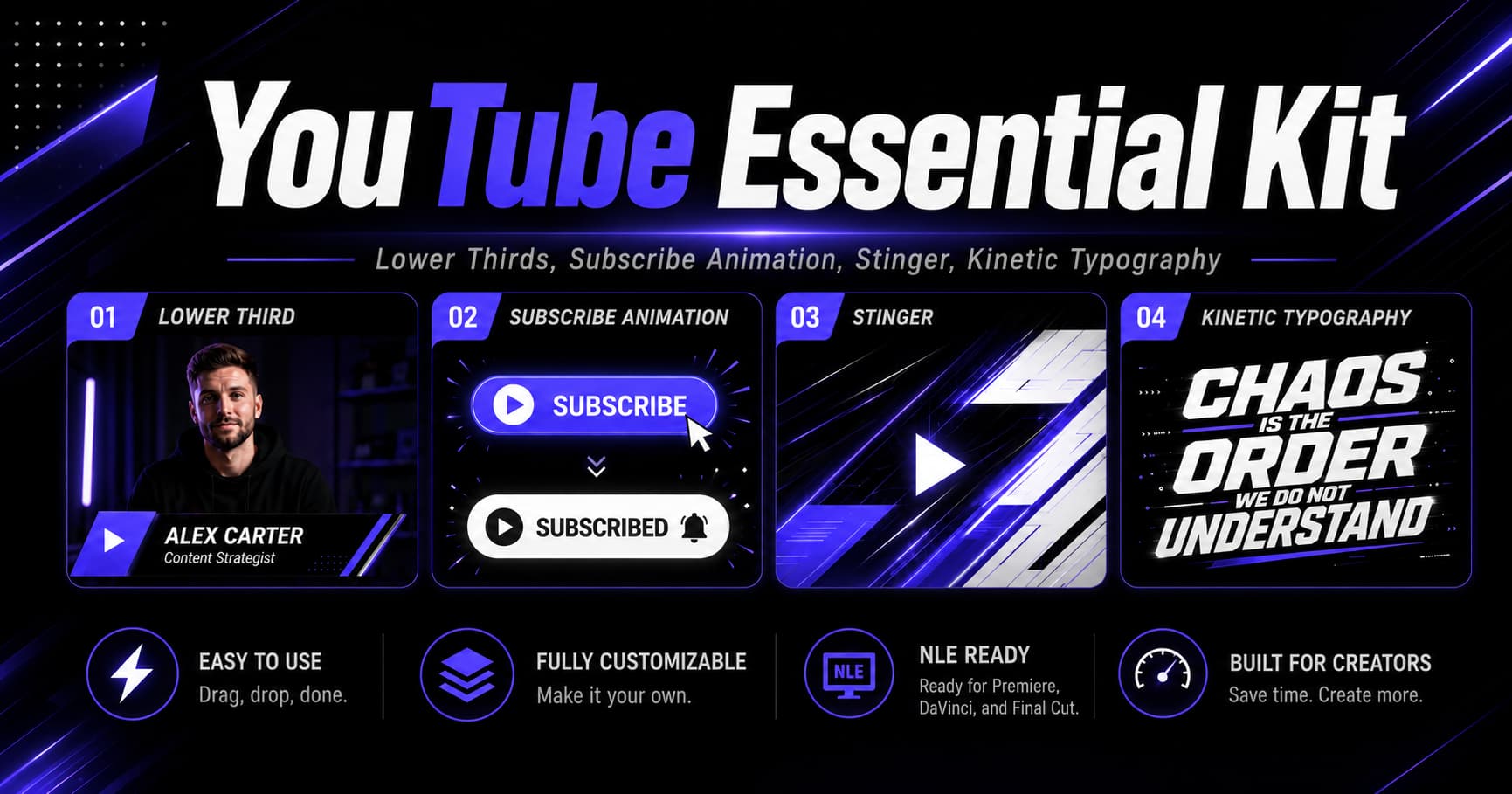
YouTube Essentials Kit
Polished motion overlays for creators who want cleaner, more professional YouTube videos in seconds.
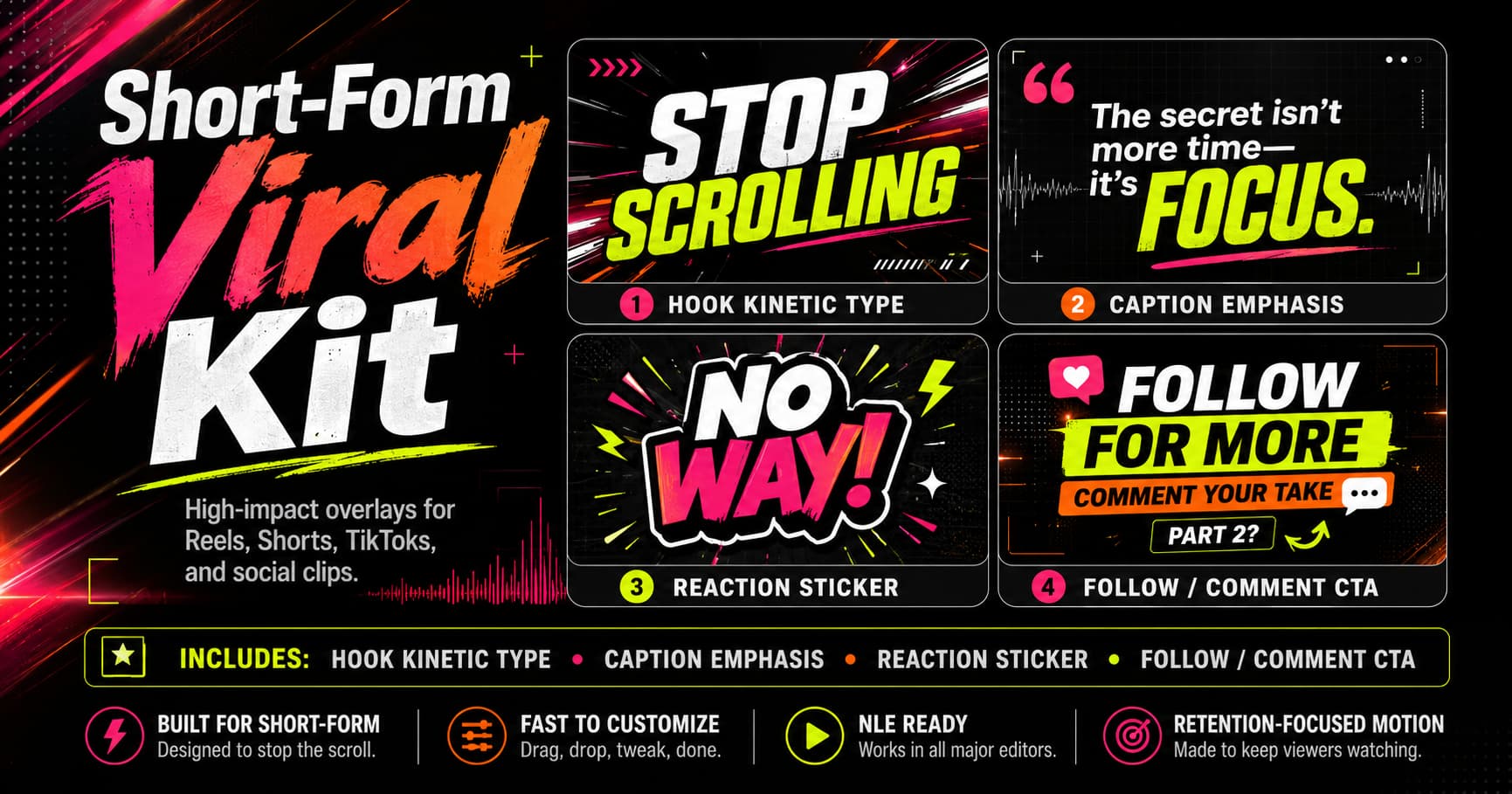
Short-Form Viral Kit
High-impact overlays designed to grab attention, boost retention, and make short-form clips feel impossible to ignore.
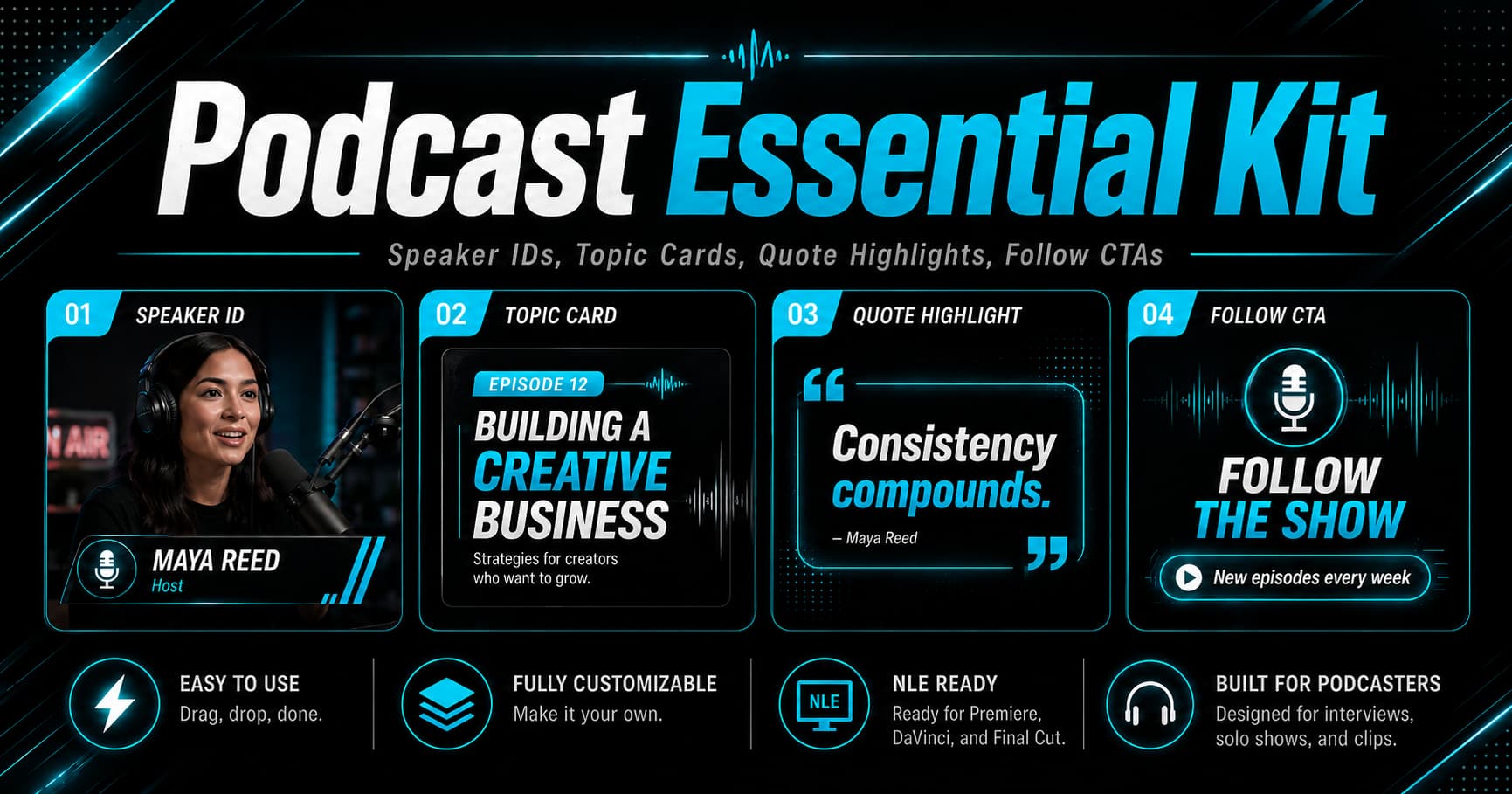
Podcast Essentials Kit
Modern podcast overlays for speaker IDs, topic cards, quote highlights, and follow CTAs across episodes and clips.
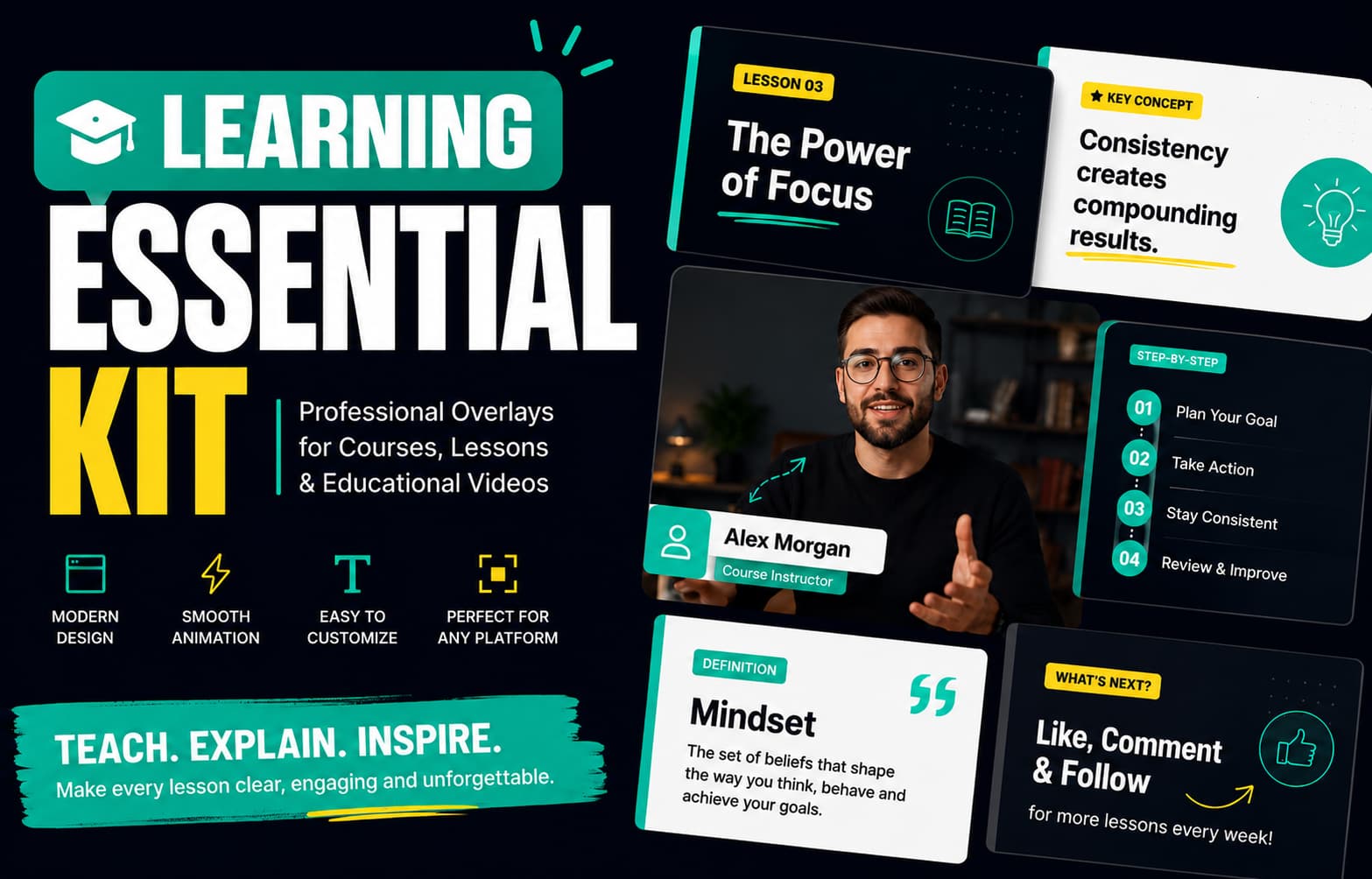
Learning Essentials Kit
Clear, structured motion overlays that help educators turn lessons, concepts, and tutorials into engaging video content.
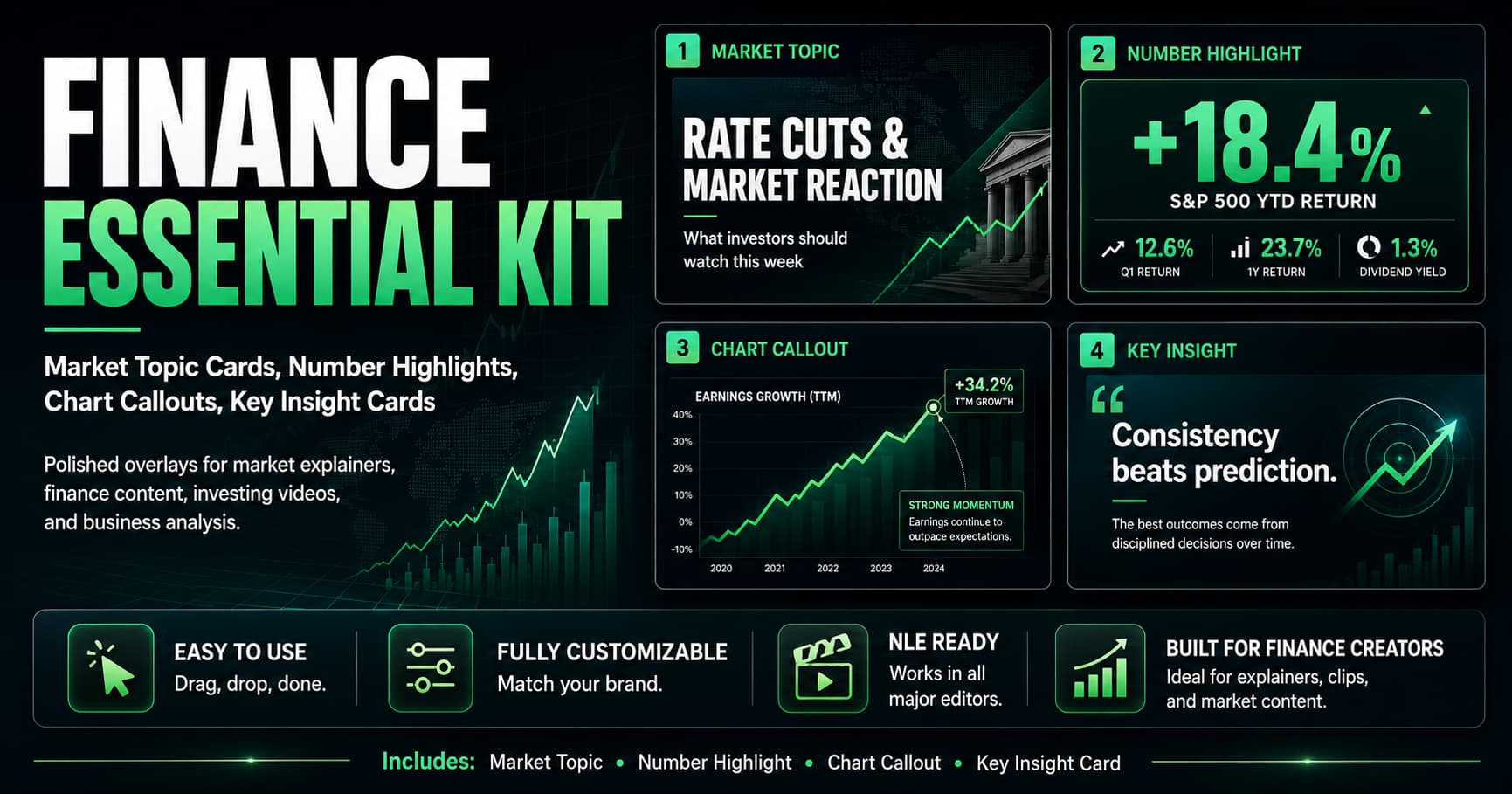
Finance Essentials Kit
Market topic cards, number highlights, and chart callouts for finance explainers, investing videos, and economic updates.
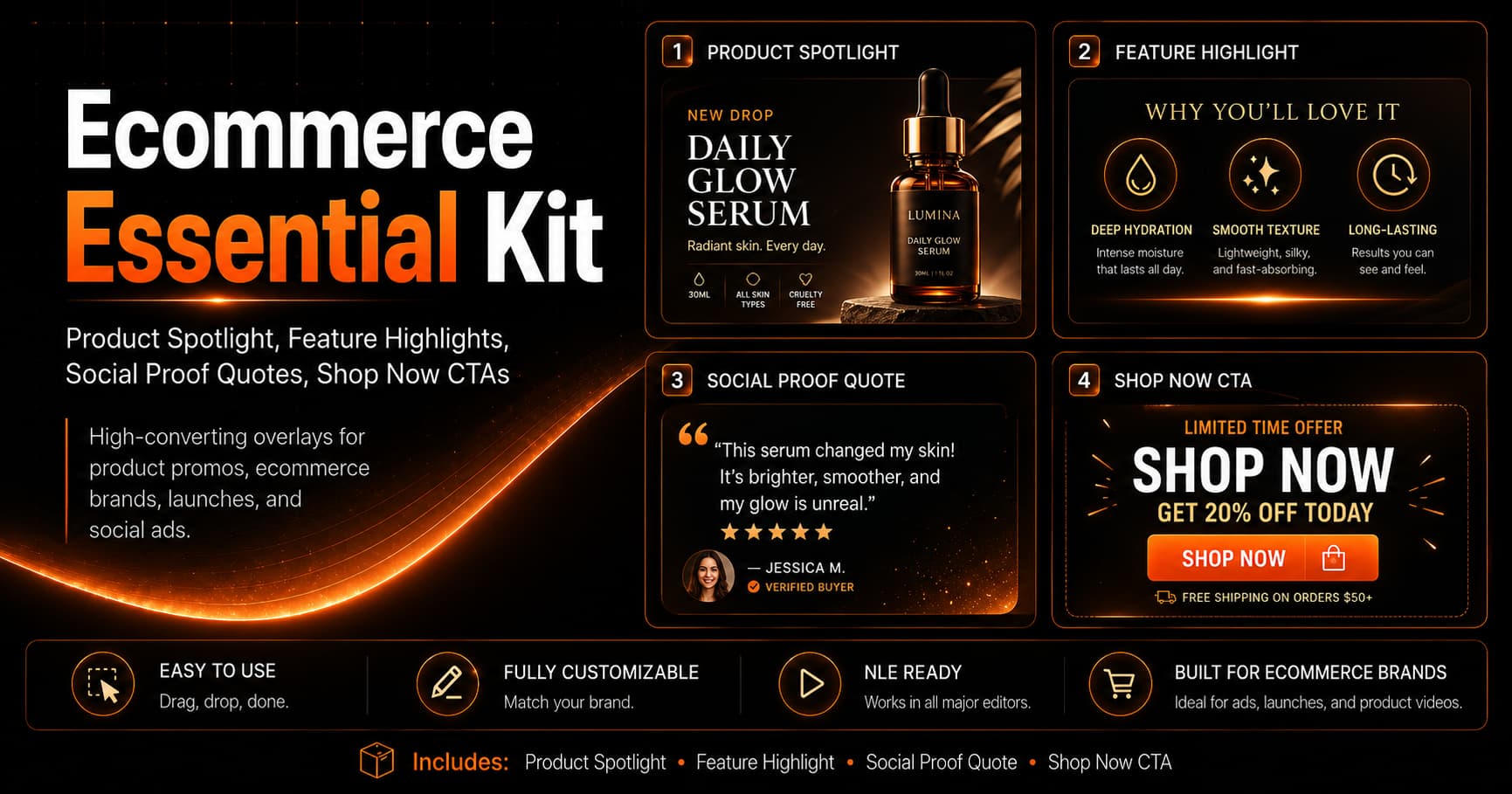
Ecommerce Essentials Kit
Product spotlight cards, feature highlights, social proof quotes, and shop now CTAs for product launches, promo videos, and paid social ads.
Use Cases
Perfect for Every Creator
FAQ
Got Questions?
- What is Videohead?
- Videohead is an AI-powered web tool that generates custom video overlays from a short text description. You describe the animation you want—lower thirds, subscribe CTAs, promos, or other overlays—and get a WebM file with transparent background, ready to drop into Premiere Pro, DaVinci Resolve, CapCut, OBS, or Final Cut Pro. No video editing or design skills required.
- Who is Videohead for?
- Videohead is aimed at content creators, streamers, marketers, educators, and anyone who makes videos and wants professional-looking overlays without hiring a designer or learning motion graphics. Whether you produce YouTube videos, Twitch streams, social clips, courses, or ads, you can get custom lower thirds, CTAs, and promos in minutes—no editing or design experience needed.
- What kind of overlays can I create?
- You can create lower thirds, subscribe and follow CTAs, promo and urgency overlays, quote cards, social-media style overlays, HUD-style graphics, and more. Each overlay is generated with a transparent background (alpha channel) so it layers cleanly on your footage.
- What format do I get?
- You export WebM or MOV video with native alpha channel (transparency). Resolution is up to Full HD 1080p. The file is ready to import into any major video editor or streaming software.
- Which video editors does it work with?
- Videohead exports WebM with alpha channel, which works with Adobe Premiere Pro, DaVinci Resolve, CapCut, OBS Studio, and Final Cut Pro. You drag and drop the file into your timeline.
- How do I import overlays into my editor?
- Export WebM or MOV with alpha from Videohead, then follow our step-by-step guides for OBS Studio, DaVinci Resolve, or CapCut Desktop. Each guide walks you through adding the file to your timeline or OBS scene—no green screen required.
- Do I need design or editing skills?
- No. You only need to describe in text what you want—style, colors, text, timing—and Videohead generates the overlay. You can preview it in the browser and export when you're happy with it.
- Can I create multiple overlays with the same style?
- Yes. Videohead uses brand kits: you set your colors, fonts, and overall look once, then generate as many overlays as you need—lower thirds, CTAs, promos, and more—that all match. Build them on one canvas, preview each piece, and export when you're ready.
- Do I have to regenerate everything to tweak text or details?
- No. You don't need to regenerate for every small change. After generation, Videohead gives you controls to tune timing, copy, colors, and other settings the overlay exposes; the preview updates as you adjust them. Regenerate when you want a substantially different concept, not for every millisecond tweak.
- Is Videohead free?
- You can start for free: new accounts include a small bundle of generation credits to try the product. When you need more, you can buy credit packs without a subscription.
Ready to Generate?
No video editing or design skills required. Just describe your idea and get a professional video overlay ready for your timeline.
Start GeneratingNo credit card required.